


Vertical shape

Ambidextrous design

With Break indicator

For left- and right-handed use

Ambidextrous design

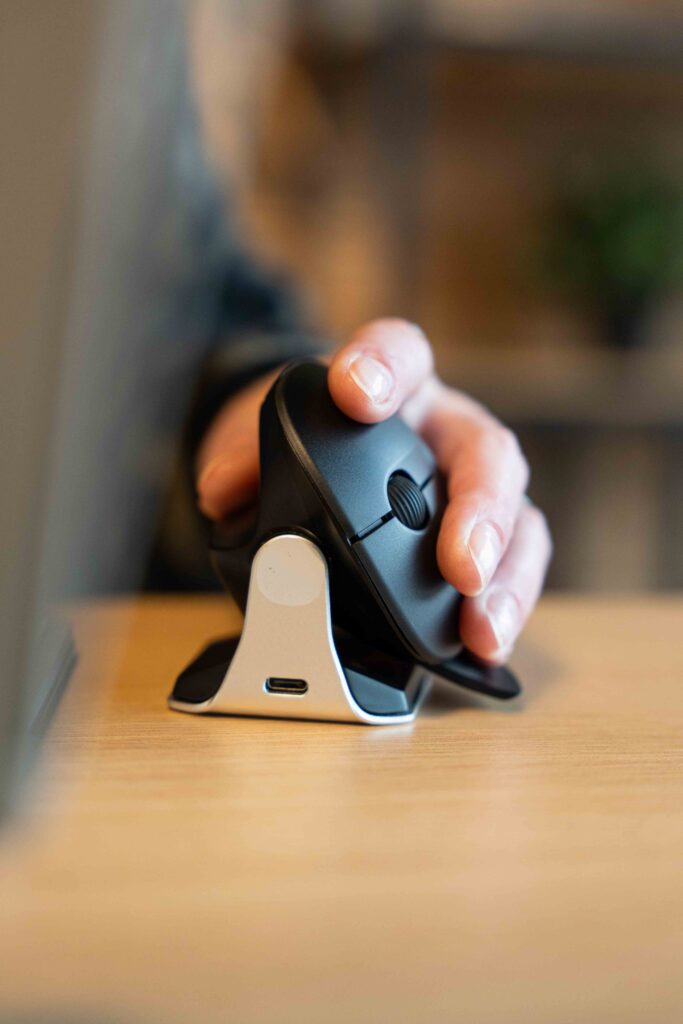
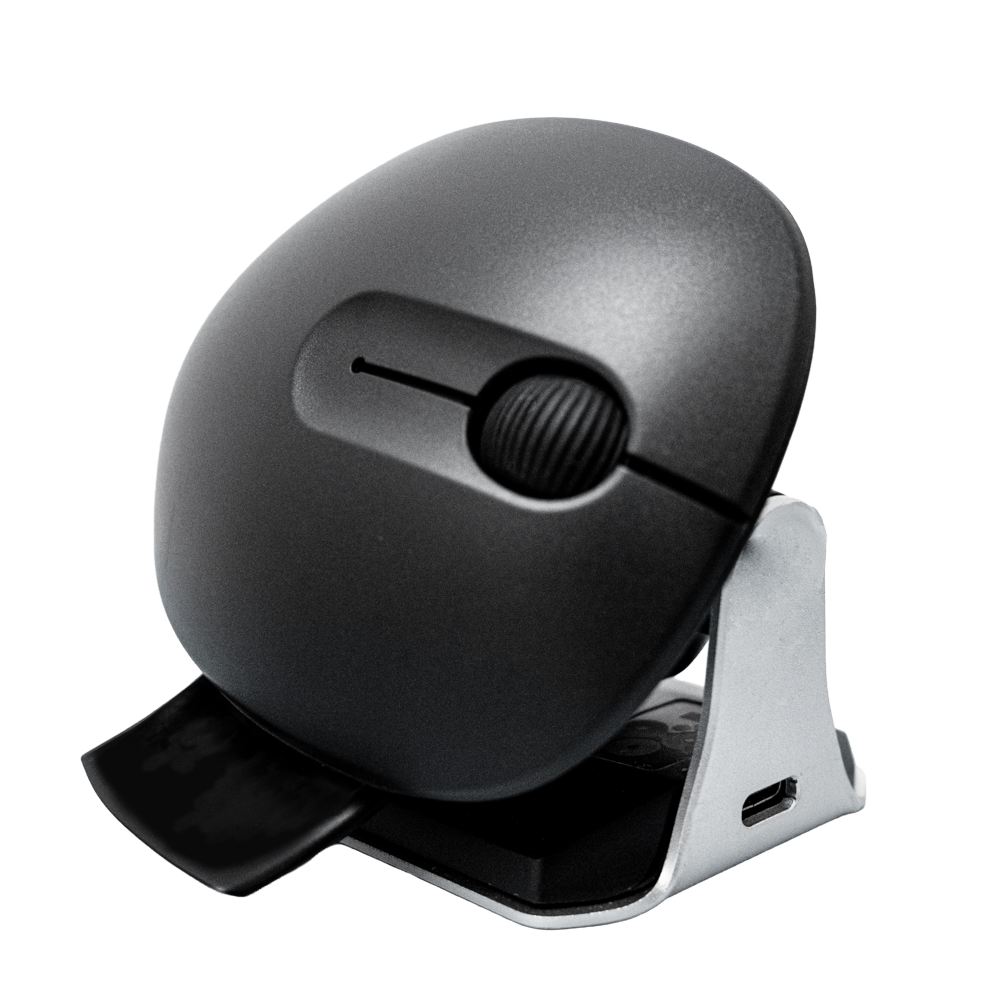
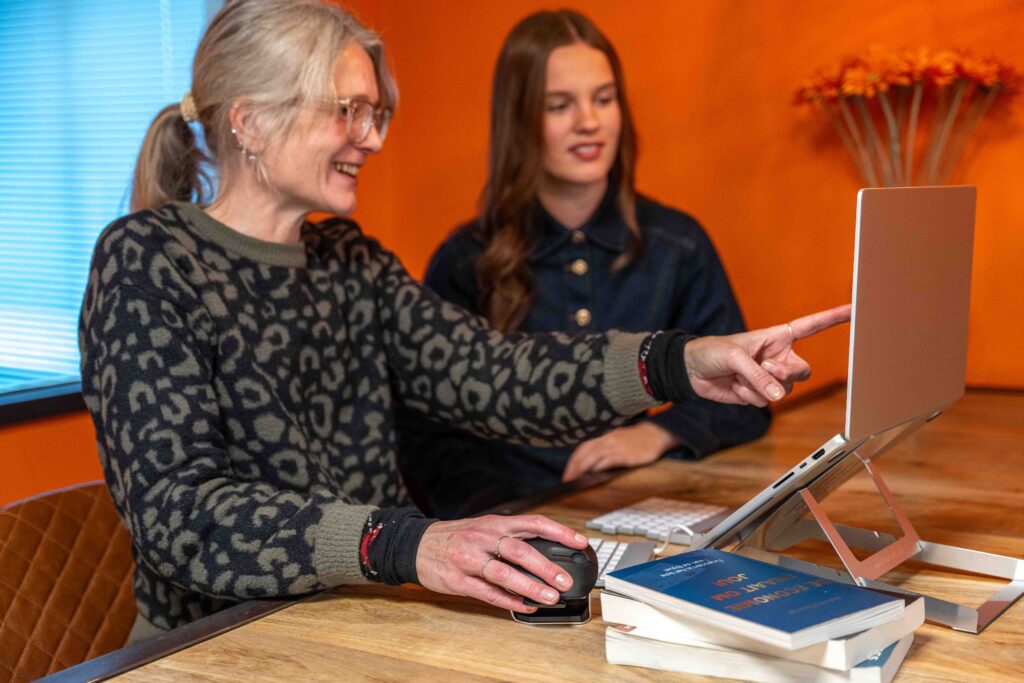
This vertical mouse has a special feature: it is ambidextrous. As the name Waver suggests, it makes you ‘wave’: it features a special wave mechanism. With a single movement, you can operate the mouse with your right hand one moment and then switch to your left. This can be very useful if you’re not the only one using the mouse, but have to share it with others. What’s even more, by regularly switching between right and left, you can ensure that your dominant hand isn’t overloaded. This way, you spread the strain across both hands. The R-Go Waver is specially designed for situations where many different people need to use the same mouse, for example in large families, at schools and universities, in public spaces and institutions, and at various flexible workspaces. Often, you have to make do with whatever resources are available, which doesn’t always mean working in a healthy way. The Waver is an affordable left-right mouse designed to enable healthy computer use shared by multiple users at the same workstation.

Benefits

R-Go Waver Ambidextrous Mouse

  • Vertical ergonomic design
  • Easy to switch between left- and right-handed use
  • With integrated pause LED for individual use
  • Wired and wireless (3-in-1 connectivity) versions
  • Made from 100% recycled plastic and aluminium

Vertical design

Mouse movement from your arm

The vertical design of the R-Go HE mouse ensures that you use the mouse moving your arm rather than your wrist. This relieves strain on the small muscles and tendons in your wrist and hand, helping to prevent nasty complaints such as RSI/CANS. The mouse is deliberately lightweight, so you need less muscle tension to move it.

With integrated break indicator

Helps remind you to take breaks

The R-Go Waver mouse features an LED light controlled by the R-Go Break software. This light changes colour, like a traffic light. When the light turns green, it means you are working healthily. Orange indicates it is time for a short break, and red means you have been working for too long. This provides you with positive feedback on your working habits.

All you need to know

Description

This vertical mouse is ambidextrous, so it is suitable for both left- and right-handed users. Thanks to the patented wave system, the Waver can be switched from a left-handed to a right-handed mouse and vice versa with a single movement. By regularly alternating between your left and right hand, you distribute the strain across both hands and prevent unpleasant complaints such as RSI. This also makes the Waver healthy to use for all users. Healthy working is made possible in a workplace with multiple users by using a single mouse for everyone. For individual use, the Waver mouse helps remind you when it’s time for a short break. The LED indicator is controlled by our Break software and, based on actual mouse usage, shows how healthily you are working. This mouse is available in both a wireless (3-in-1 connection) and a wired version. The mouse’s total battery life is up to 2 months after a full charge (with average use).

Certified

Tested and recommended

“Ergonomic and body-friendly mice, keyboards, monitor arms, document holders and laptop stands from R-Go help you work at a computer naturally and effortlessly. They relieve the user rather than placing additional strain on them. It is particularly important that the aids suit the user, as different people have different preferences. Congratulations on the AGR seal of approval and on products that make working life easier!” Aktion Gesunder Rücken (AGR)

FAQ

Veelgestelde vragen

Category: Waver

No, that is not necessary. The buttons are automatically swapped when you tilt the mouse.

Category: Waver

Press the little finger rest towards the side of the mouse where your little finger is positioned.

Category: Waver

Step 1 Search for “Bluetooth” on your PC/laptop.

Step 2 Remove “R-Go Waver” from the device list.

Step 3 Hold the Bluetooth dongle 10 close to your mouse and press and hold the pairing button 10 for more than 3 seconds. A blue light on the underside of the mouse will start to flash.

Step 4 Plug the Bluetooth dongle 10 into a free USB-A port on your PC/laptop. Your mouse will now automatically reconnect to your PC/laptop.

Category: Waver

In a broader sense, yes: it was developed according to the ‘one size fits (almost) all’ principle, so it is designed for an average size. The Waver is intended to fit as many people as possible in specific work situations. The thumb and little finger rests also play an important role in this.

Categories: Twister Waver

The Twister differs from the Waver in that it offers more features than the Waver. In particular, the Twister can be folded up for transport, whereas the Waver cannot. In this sense, the Waver is a simpler and more cost-effective model with (consequently) a wider range of applications. The Twister is an ambidextrous mouse designed primarily for a single, fixed user at various locations. The Waver is an ambidextrous mouse designed for simple and healthy use by multiple, alternating users at a single, fixed location. Of course, a Twister can also be used in exactly the same way as a Waver. And conversely, the Waver can also encourage you to switch between your dominant hand and the other! So it all depends on exactly HOW you wish to use the Waver.